SEO Strategies That Turn Searches Into Customers
WHAT IS SEARCH ENGINE ?
Search Engine : is a web-based tool designed to look up information on the World Wide Web. Think of it as a massive, digital library card catalog for the entire internet. When you type a word, phrase, or question into a search bar, the engine scans its massive database of billions of web pages and presents you with the most relevant results in a matter of milliseconds. Popular Examples While Google is the dominant force globally, capturing the vast majority of search traffic, other search engines serve different markets and user preferences: Microsoft Bing: Integrated heavily into Windows systems and Microsoft products. Yahoo: Powered by Bing, it functions as both a search engine and a web portal.
DIFFERENCE BETWEEN SEARCH ENGINE AND BROWSER?
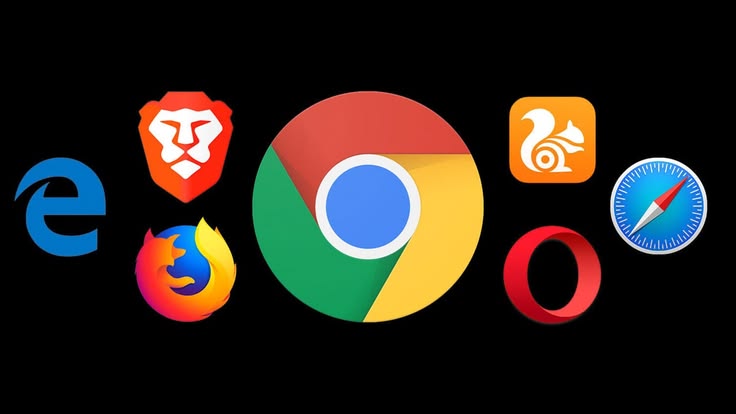

web browser is a software application installed directly on your device that acts as your gateway to the internet, while a search engine is an online service you visit inside that browser to find specific information. Think of your browser as a digital viewing screen; its sole job is to read complex web code and translate it into the text, images, and videos you see when you visit a website. If you already know the exact address of a website, you can type it directly into your browser to go there instantly without any outside help.
A search engine, on the other hand, comes into play when you don't know exactly where to go. It is a massive, searchable database of the internet that lives on remote servers, not on your computer. When you open your browser and type a question or a keyword into Google or Bing, the search engine scans billions of indexed pages to deliver a curated list of relevant websites. Ultimately, you must use a browser like Chrome or Safari to access a search engine like Google or DuckDuckGo, making them two entirely different tools that work together to help you navigate the web.
WHAT IS SEARCH ENGINE OPTIMIZATION ( SEO ) ?
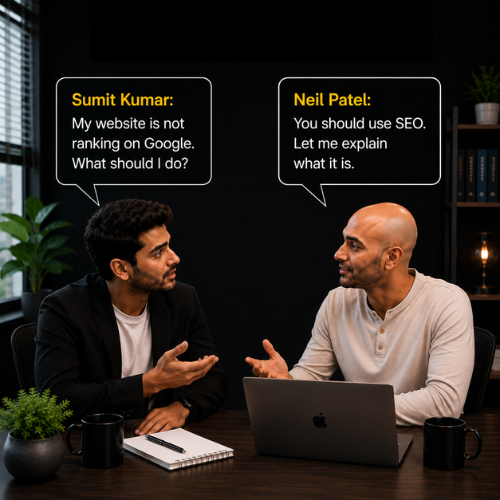

Search Engine Optimization (SEO) : is simply the process of making your website easy for both people and search engines to understand. Think of the internet as a massive digital library with billions of books. When someone walks into that library and asks for help finding a specific topic, the librarian (Google) wants to hand them the absolute best, most helpful book available. SEO is the art of making sure your website is that perfect book. Why SEO Matters : For any online presence, SEO is the primary driver of sustainable web traffic. Unlike paid advertising, where your visibility vanishes the moment your budget runs out, a website optimized for search engines can attract highly targeted visitors day and night for months or years after the content is published. By aligning a website with the technical rules of search engines and the informational needs of human users, SEO ensures that a business is consistently discovered by the exact people looking for what they offer.

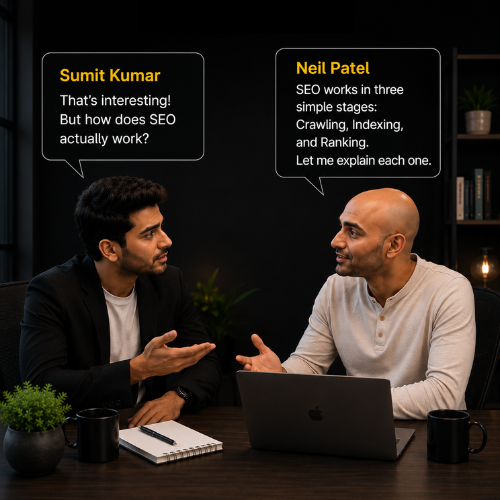
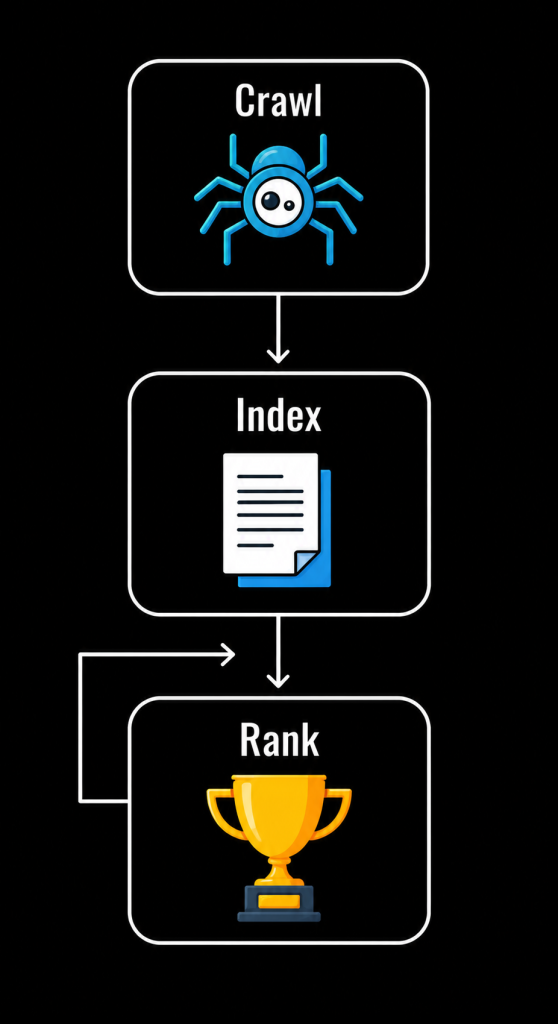
Crawling: Crawling is the process where Google sends automated programs called Googlebots (or crawlers) to explore websites across the internet. The crawler visits your website and reads: Web pages ,Text content, Images Videos, Internal links, External links. It follows links from one page to another to discover new or updated content. Example: You publish a new blog titled "What is SEO?" Googlebot visits your website, finds the new page, and reads its content. This process is called crawling.
Indexing : After crawling your website, Google analyzes the page and stores its information in a massive database called the Google Index. This process is called indexing. Google tries to understand:What the page is about Which keywords it targets Whether the content is unique Whether it provides value to users Only pages that are successfully indexed become eligible to appear in Google Search. Example: After reading your article "What is SEO?", Google saves it in its index. Now, when someone searches for SEO-related topics, your page has a chance to appear
Ranking: When a user searches on Google, the search engine looks through its index and selects the most relevant pages for that query. Google then ranks these pages based on hundreds of ranking factors, such as: Content quality, Keyword relevance ,Website speed, Mobile-friendliness ,User experience ,Backlinks, Website authority. The pages that best satisfy the user's search intent are shown at the top of the search results. Example: A user searches "How SEO Works." Google compares many indexed pages and displays the ones it considers most relevant and helpful. If your page provides valuable content and follows SEO best practices, it may rank on the first page.
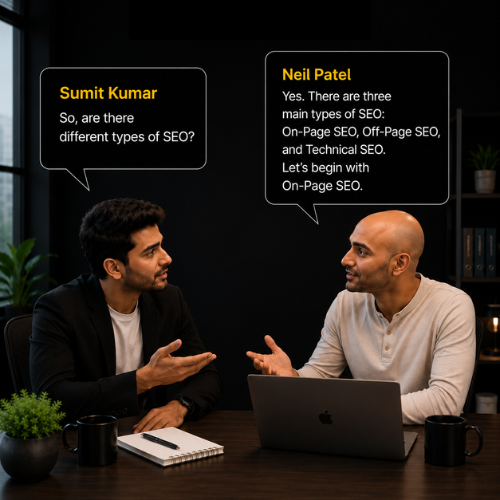
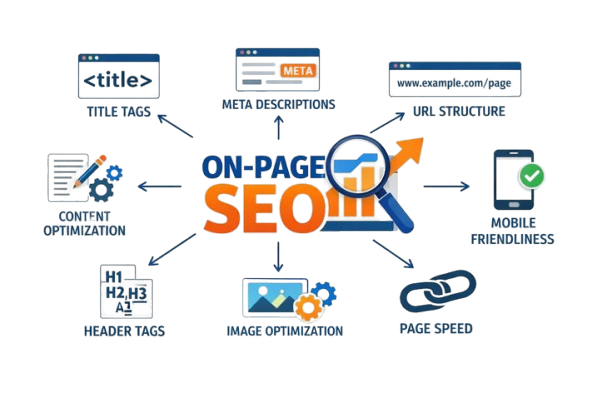
On-Page SEO: is the process of optimizing the content and HTML elements inside your website pages so that search engines like Google can easily understand your content and rank it higher in search results. In simple words: On-Page SEO means improving everything that is under your control on your website to achieve better rankings and provide a better user experience.
On-Page SEO Elements (Beginner-Friendly Guide)
These are the most important On-Page SEO elements you should understand before optimizing a website.
Website Design refers to how a website looks, feels, and functions for users. A well-designed website is easy to use, visually appealing, and helps visitors find information quickly. Why is it Important for SEO ? Improves user experience (UX), Reduces bounce rate, Increases time spent on the website , Helps Google understand website structure , Supports better rankings.
Best Practices : Mobile-friendly (Responsive) , Fast loading speed , Easy navigation , Clean layout Readable fonts , Proper spacing Secure website (HTTPS).
Headline( H1 Tag) : The H1 (Heading 1) is the main title of a webpage. It tells both users and search engines what the page is about. Example : Only one H1 tag, per page Include the primary keyword, Keep it clear and attractive, Around 20–70 characters.
Content Optimization : is the process of improving your content so that it is valuable for users and easy for search engines to understand. Content Optimization Includes : Writing original content ,Using the primary keyword naturally , Adding secondary keywords , Using headings (H1, H2, H3) ,Writing short paragraphs , Adding images , Internal linking , Updating outdated content. Optimized Content : SEO helps websites improve their visibility on search engines like Google, attract organic traffic, and generate more leads through high-quality content.
Keyword : A keyword is a word or phrase that people type into Google to search for information. Examples SEO, Digital Marketing , Website Design, Learn SEO Online. Keywords help Google understand your webpage's topic.
Primary Keyword :A primary keyword is the main keyword that your page is targeting. Example : On-Page SEO Primary Keyword: On-Page SEO This keyword should appear naturally in:H1 Heading, Title Tag, URL, First paragraph, Content, Meta Description
Secondary Keyword : are related words or phrases that support your primary keyword. Example: Primary Keyword: On-Page SEO, Secondary Keywords: SEO Techniques ,SEO Optimization, On-Page SEO Checklist,SEO Best Practices, Improve Google Ranking. Using secondary keywords helps your content cover the topic more naturally and thoroughly.
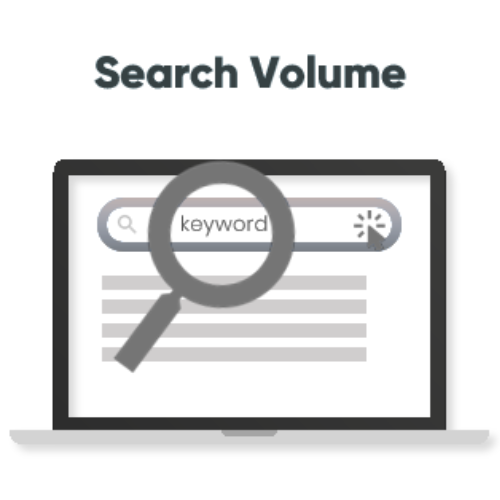
Search Volume : is the estimated number of times a keyword is searched in Google every month. Example:
| Keyword | Monthly Searches |
|---|---|
| SEO | 110,000 |
| On-Page SEO | 18,000 |
| Technical SEO | 9,500 |
Why It Matters : Higher search volume usually means more potential traffic, but it often comes with more competition.
Keyword Difficulty : is a score that estimates how difficult it is to rank for a keyword in search engines. It is usually measured on a scale from 0–100. Low Difficulty (0–30): Easy to rank , Best for new websites , Less competition Example "Basic SEO Tips" Medium Difficulty (31–60) : Moderate competition , Requires good-quality content ,and some authority. Example "On-Page SEO Guide" High Difficulty (61–100) : Very competitive , Usually dominated by established websites , Requires strong authority, quality content, and backlinks Example "Digital Marketing"
Keyword Proximity: refers to how close the words in a keyword phrase appear to each other. Example: Primary Keyword : Digital Marketing Course ( Good) Join our Digital Marketing Course today. Poor : Digital strategies help businesses. Our marketing team offers an online course. In the second example, the words are separated, making the exact phrase less prominent.
Keyword prominence : refers to where your keyword appears on the webpage. Keywords placed earlier and in important locations are generally more noticeable to both users and search engines. Best Places to Use the Primary Keyword: Page TitleH1 Heading, First paragraph ,URL , Meta Description, Some H2 headings (where relevant) Example Primary Keyword: On-Page SEO First sentence: On-Page SEO is one of the most important techniques for improving your website's visibility on Google. This gives the keyword strong prominence because it appears at the beginning of the content.
Keyword Density: is the percentage of times your primary keyword appears compared to the total number of words on a page. Best Practice Keep it natural , Avoid keyword stuffing, There is no fixed ideal percentage; focus on readability and relevance.







Off-Page SEO : refers to all the activities performed outside your website to improve its authority, trust, popularity, and search engine rankings. While On-Page SEO focuses on optimizing your website, Off-Page SEO focuses on building your website's reputation across the internet. Why is Off-Page SEO Important? Off-Page SEO helps to: Increase website authority, Build high-quality backlinks , Improve search engine rankings , Increase referral traffic , Build brand awareness , Improve online trust and credibility.



Image Submission : is the process of uploading images related to your business or content on image-sharing websites with a link back to your website. Benefits : Generates backlinks Increases brand visibility Brings referral traffic , Helps images appear in image search results. Best Practices: Use high-quality images. Add descriptive file names. Write keyword-rich titles and descriptions. Include Alt Text where possible. Add your website URL.
Video Submission : involves uploading videos to video-sharing platforms to promote your website, products, or services. Benefits: Increases brand awareness, Drives website traffic, Improves engagement, Builds backlinks through video descriptions, Best Practices : Create informative videos. Use relevant keywords in the title. Write detailed descriptions. Add website links. Include appropriate tags.
Article Submission : is the process of publishing informative articles on third-party websites or article directories with a link back to your website. Benefits : Builds authority Generates backlinks Improves brand visibility, Increases referral traffic. Best Practices : Write original content. Focus on quality instead of quantity. Use relevant keywords naturally. Include one or two relevant backlinks. Avoid duplicate content.


Business listing : is the process of adding your business details to online business directories and local listing websites. Information Included: Business Name, Address, Phone Number (NAP), Website, Business Category ,Working Hours ,Photos, Customer Reviews. Benefits: Improves Local SEO, Increases customer trust, Helps customers find your business, Generates local traffic, Improves visibility in local search results.
Forum submission: is participating in online discussion forums by answering questions, sharing knowledge, and helping users. Benefits: Builds authority, Generates referral traffic, Increases brand awareness ,Creates networking opportunities. Best Practices Provide helpful answers. Don't spam links. Add links only when relevant. Be active in discussions. Follow forum rules.
Classified submission : means posting advertisements about your products or services on classified websites. Benefits : Increases local visibility, Generates leads, Improves website traffic ,Promotes products and services. Best Practices: Write clear advertisements. Add contact information. Include website links. Use attractive titles. Select the correct category.




Technical SEO : is the process of optimizing the technical aspects of a website so that search engines can crawl, index, and rank it more efficiently. Unlike On-Page SEO, which focuses on content, Technical SEO focuses on the backend structure and performance of a website. Why is Technical SEO Important? Helps search engines crawl your website easily. Improves indexing of web pages. Increases website security. Improves page speed. Enhances user experience. Supports better search engine rankings.
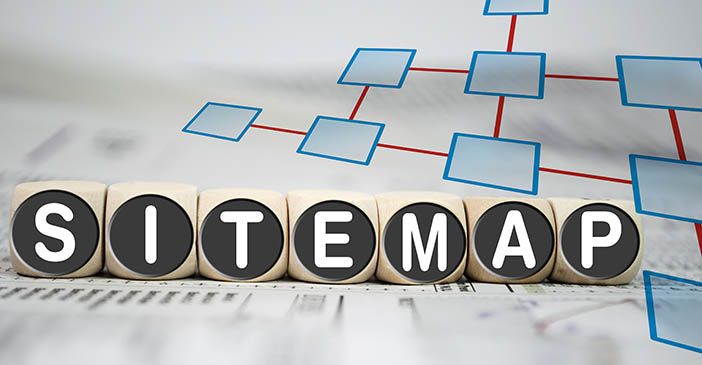
Sitemap: is a file that lists all the important pages of your website. It helps search engines discover and understand your website structure. Think of it as a roadmap for Google. There are two main types of sitemaps : An XML Sitemap is created mainly for search engines. It tells Google which pages exist on your website and when they were last updated. HTML Sitemap : An HTML Sitemap is designed for website visitors. It displays all important pages in a simple list so users can easily navigate the site.
SSL (Secure Sockets Layer): is a security technology that encrypts the data transferred between a user's browser and a website. When SSL is installed, the website uses: https instead of http You'll also see a padlock icon (🔒) in the browser. Benefits Protects user data. Builds trust .Improves website security. HTTPS is a Google ranking signal. Prevents data theft during transmission.
Meta tags : Meta Tags are pieces of HTML code placed inside the section of a webpage. They provide information about the page to search engines and browsers. Most meta tags are not visible to visitors but help search engines understand your content.
Types of Meta Tags :
The Title Tag is the clickable headline that appears in Google Search results and on the browser tab. Best Practices Keep it between 50–60 characters. Include the primary keyword. Make it attractive and descriptive. Keep every page title unique.
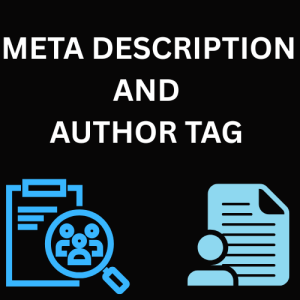
Meta Description is a short summary of a webpage shown below the title in search results. Best Practices Around 150–160 characters. Include the primary keyword naturally. Write compelling text to encourage clicks. Make it unique for each page.
Author Tag tells who created or wrote the webpage. Benefits Identifies the content creator. Useful for content management. Does not directly improve Google rankings, but can support content organization.
A Canonical Tag tells search engines which version of a page is the main (preferred) version when similar or duplicate pages exist. The canonical tag tells Google that the first URL is the original version, helping avoid duplicate content issues. Benefits Prevents duplicate content. Consolidates SEO value into one URL. Improves indexing.
Meta Keywords Tag : Meta Keywords Tag was once used to list the important keywords related to a webpage. Does Google Use It? No. Google stopped using the Meta Keywords Tag many years ago because it was widely abused through keyword stuffing. Current Recommendation Do not spend time adding a meta keywords tag for Google SEO. Focus on writing high-quality content with natural keyword usage.
Website Under Construction page (also called a Maintenance Mode page) is displayed when a website is being built, updated, or temporarily unavailable. Instead of showing broken pages or errors, visitors see a message that the website will be available soon. Example Message: Why is it Important ? Gives visitors a professional message instead of errors. Improves user experience during development. Prevents users from seeing incomplete pages.